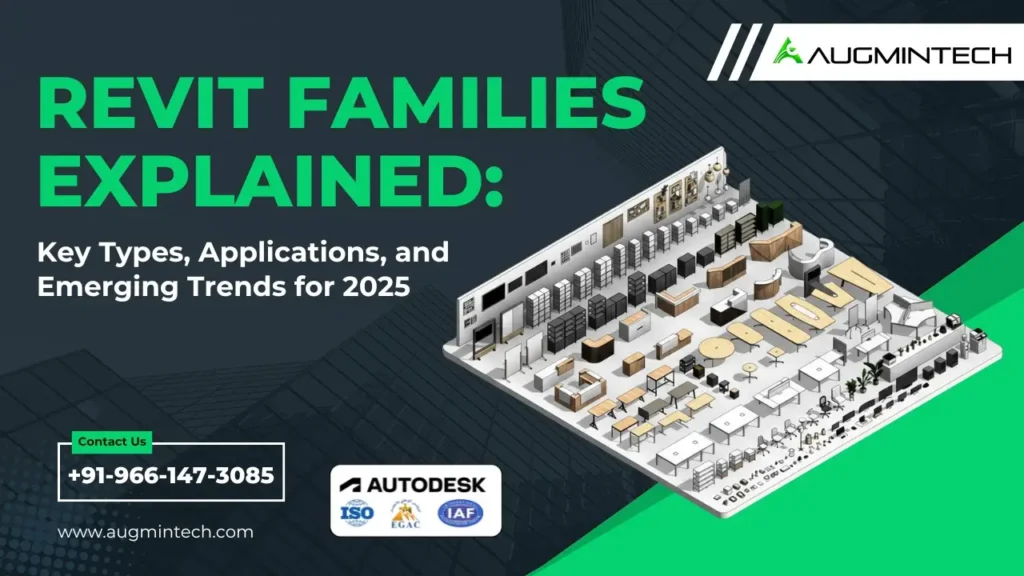
Revit Families Explained: Key Types, Applications, and Emerging Trends for 2026
December 12, 2025
12:48 am
Augmintech
Table of Contents
In the world of Building Information Modeling (BIM), Autodesk Revit stands out as a powerful tool for architects, engineers, and construction professionals. At the heart of Revit’s functionality are “Revit Families”—parametric components that define the elements within a building model. Understanding and creating these families is essential for efficient and accurate design.
Augmintech BIM Community - Click to join.
What Are Revit Families?
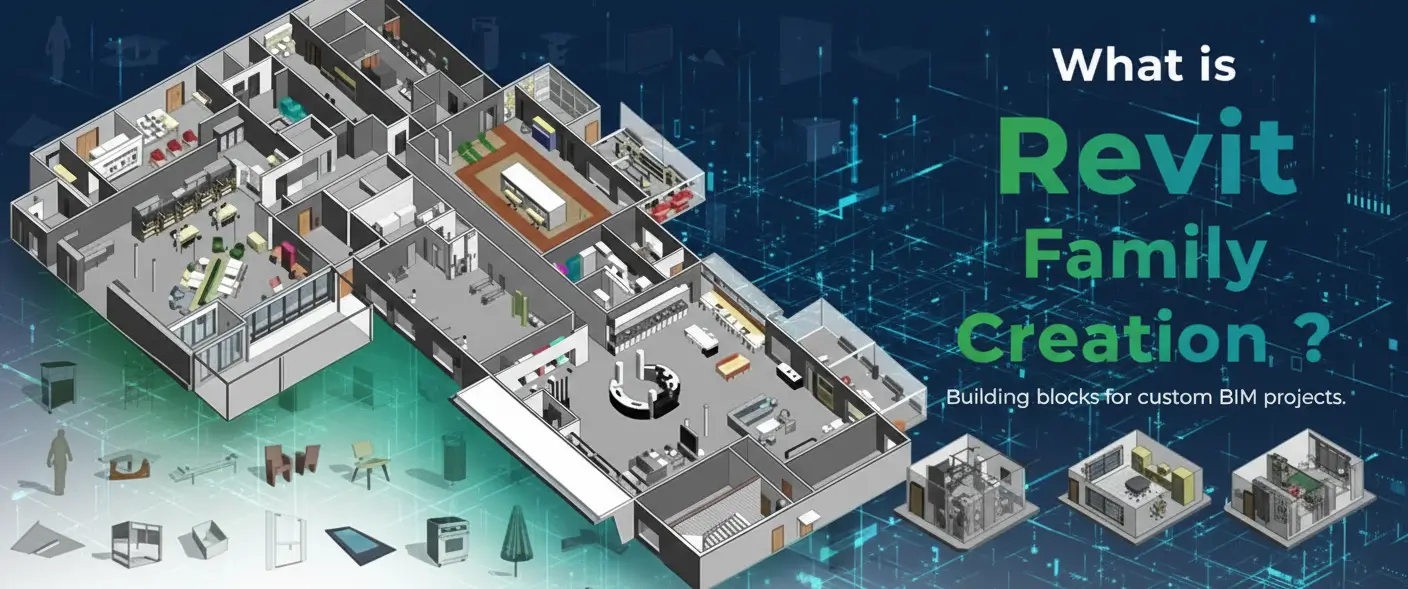
Revit Families are collections of elements that share similar properties, parameters, and behaviors. They form the building blocks of a Revit model, encompassing everything from structural components like beams and columns to MEP elements such as ducts and fixtures. Each family can have multiple types and instances, allowing for flexibility and customization in designs.
Start Your BIM Career Today
Talk to our BIM training team on WhatsApp — get course structure, duration, fees and placement support in minutes.
These are predefined families that cannot be created or deleted by users. Examples include walls, floors, roofs, and ceilings. They are integral to the Revit environment and are used to build the basic structure of a model.
2. Loadable Families
These families can be created, loaded into a project, and shared across multiple projects. They include components like doors, windows, furniture, and fixtures. Loadable families are typically created using the Family Editor and can be customized to suit specific project needs.
3. In-Place Families
Created directly within a project, in-place families are used for unique or custom elements that don’t need to be reused in other projects. They are ideal for one-off components like custom furniture or site-specific features.
4. Annotation Families
These families are used to represent symbols and annotations in a drawing, such as tags, dimensions, and text notes. They help convey information clearly within construction documents.
Revit MEP Designing & Modeling Course
Learn Revit families, parameters and system modeling to build accurate, production-ready MEP models — from Day 1.
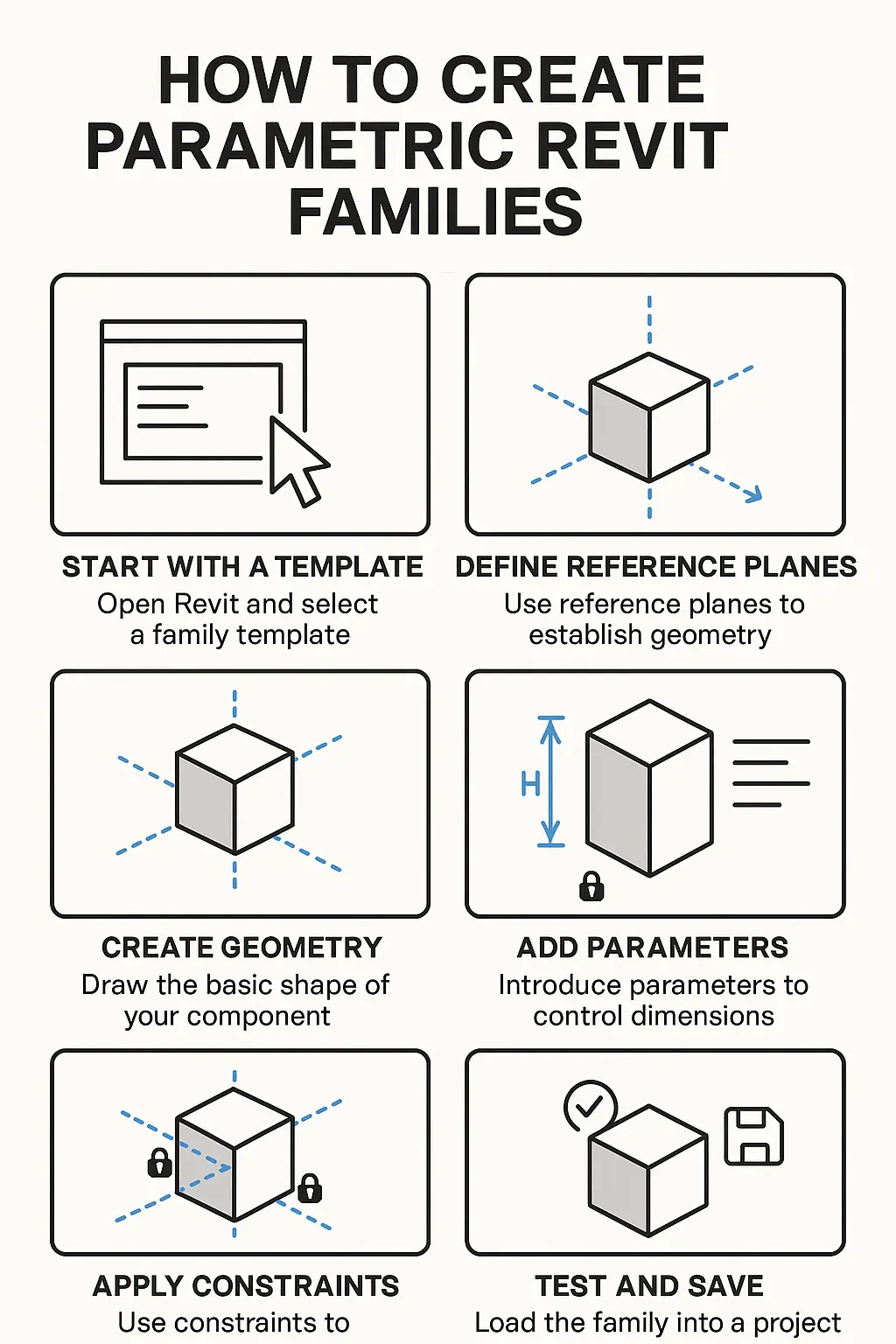
Creating parametric families allows for flexibility and adaptability in your designs. Here’s a step-by-step guide to creating a basic parametric family:
1. Start with a Template
Open Revit and select a family template that matches the type of component you want to create (e.g., door, window, furniture).
2. Define Reference Planes
Use reference planes to establish the geometry and constraints of your family. These planes act as the foundation for your model.
3. Create Geometry
Draw the basic shape of your component using tools like extrusion, sweep, or revolve. Ensure that the geometry is constrained to the reference planes.
4. Add Parameters
Introduce parameters to control dimensions, materials, and other properties. Parameters can be instance-based (varying per instance) or type-based (shared across all instances).
5. Apply Constraints
Use constraints to control the movement and behavior of your geometry. For example, locking dimensions or aligning elements ensures consistency.
6. Test and Save
Load the family into a project to test its functionality. Make adjustments as needed, then save the family for future use.
For a detailed tutorial, refer to Autodesk’s guide on creating Revit families.
Best Practices for Revit Family Creation
Use Reference Planes and Constraints: These ensure that your family behaves predictably when placed in a project.
Organize Parameters Clearly: Group related parameters and use descriptive names to make the family user-friendly.
Test Families in a Project: Always load your families into a sample project to verify their performance and appearance.
Optimize Geometry: Keep geometry simple and clean to improve performance and reduce file size.
Emerging Trends in Revit Families for 2026
The BIM landscape is continually evolving, and Revit families are adapting to new technologies and methodologies. Key trends include:
Enhanced Parametric Control: Revit 2025 introduces improved parametric capabilities, allowing for more complex and flexible family behaviors.
Integration with AI and Automation: AI-driven tools are being developed to automate family creation and optimization, streamlining workflows.
Focus on Sustainability: Families are being designed with sustainability in mind, incorporating materials and systems that support energy-efficient designs.
Collaboration and Interoperability: Improved support for open data workflows enhances collaboration between different disciplines and software platforms. Autodesk
Revit MEP Designing & Modeling Course
Learn Revit families, parameters and system modeling to build accurate, production-ready MEP models — from Day 1.
Accessing a comprehensive library of Revit families can significantly enhance your design process. Here are some reputable sources for downloading Revit families:
ARCAT: Offers a wide range of free Revit families, including elevators and other building components. ARCAT
BIMsmith Market: Provides a curated selection of Revit families, with options to filter by category and manufacturer. BIMsmith Market
DigiPara ElevatorArchitect: Specializes in elevator and escalator families, allowing for customizable 3D models. DigiPara GmbH
FAQs
Q1. How can we create parametric Revit families?
Creating parametric families involves defining reference planes, adding geometry, and applying parameters and constraints to control the behavior of the family. For a comprehensive guide, refer to Autodesk's tutorial on family creation.
Q2. What are the best free tutorials for Revit Architecture?
Several online platforms offer free tutorials for learning Revit Architecture:
YouTube Channels: Channels like "RevitKid" and "Balkan Architect" provide step-by-step tutorials.
Autodesk University: Offers free courses and webinars on various Revit topics.
Revit Forum: A community-driven platform where users share tips, tutorials, and solutions.
Q3.How to get started with Revit Architecture?
Begin by downloading the free trial version of Revit from Autodesk's official website. Familiarize yourself with the interface, tools, and basic workflows. Consider enrolling in beginner courses on platforms like LinkedIn Learning or Coursera.
Q4. Do you provide internship opportunities?
Yes. An optional BIM MEP internship module is available for industry exposure.
Q5. How to use Autodesk Revit?
Autodesk provides comprehensive documentation and tutorials on how to use Revit. Start with basic modeling techniques, then progress to more advanced features like family creation and collaboration tools.
Q6. How to learn Revit architecture in under a month?
Autodesk provides comprehensive documentation and tutorials on how to use Revit. Start with basic modeling techniques, then progress to more advanced features like family creation and collaboration tools.
Q7. What is the best free online tutorial for Revit?
The Revit Kid" offers a variety of free tutorials covering different aspects of Revit, from basic modeling to advanced family creation.
Q8. How to learn more about Autodesk Revit?
The Revit Kid" offers a variety of free tutorials covering different aspects of Revit, from basic modeling to advanced family creation.
Q9.How can I learn to use Revit?
Start with beginner-friendly tutorials available on platforms like YouTube, Autodesk University, and LinkedIn Learning. Practice regularly by working on small projects and gradually tackle more complex designs.
Conclusion
Mastering Revit families is crucial for creating efficient, flexible, and accurate BIM models. By understanding the different types of families, learning how to create parametric components, and staying informed about emerging trends, you can enhance your Revit skills and contribute to successful project outcomes.
For further learning, consider exploring the following resources:
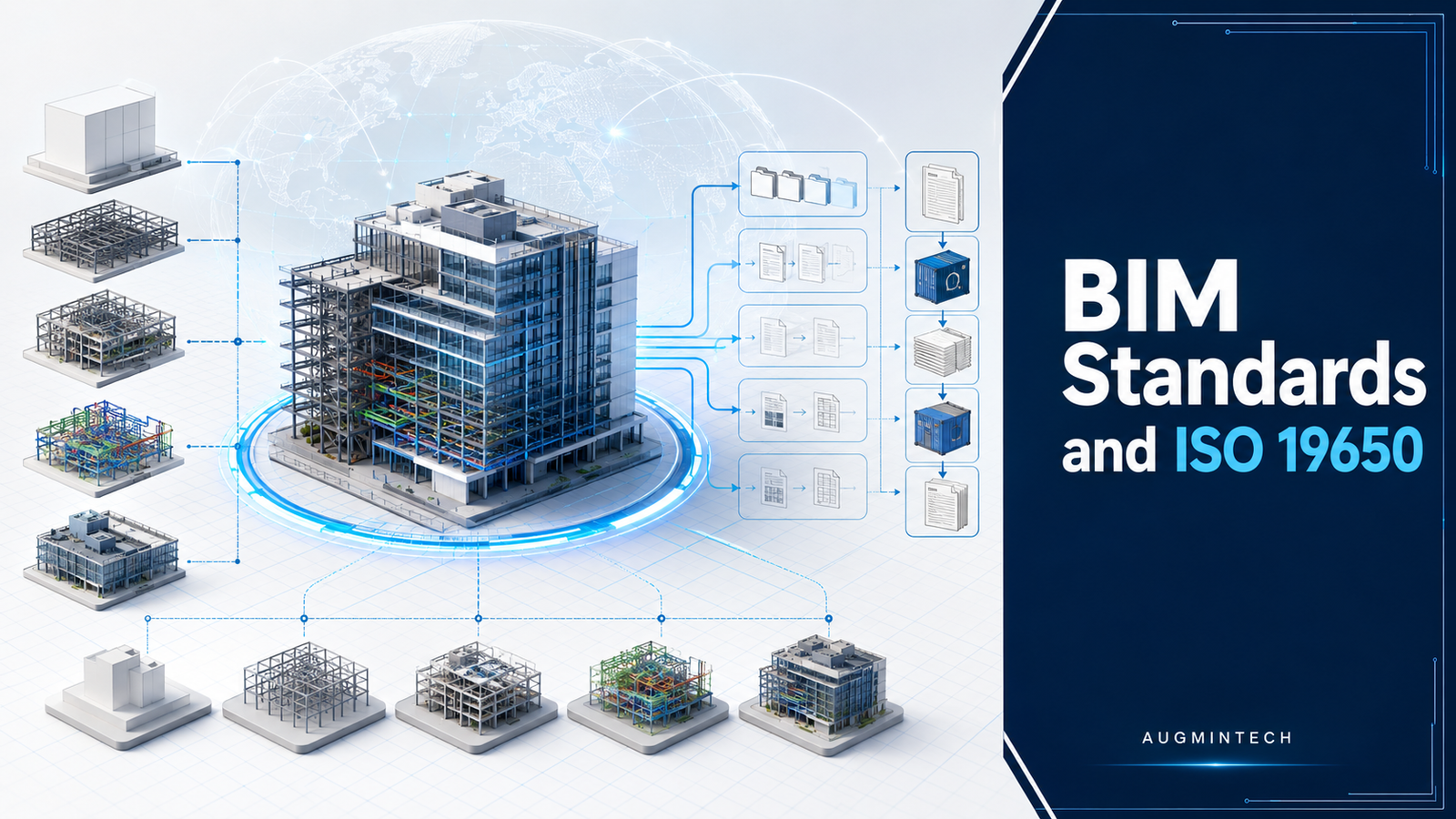
What Are BIM Standards? ISO 19650, LOD, and Global Frameworks Explained June 17, 2026 12:10 pm Augmintech BIM Standards: ISO 19650, LOD and Global Frameworks | Augmintech BIM without standards is chaos — different teams using different file naming, different LOD definitions, and incompatible information formats, producing models that cannot
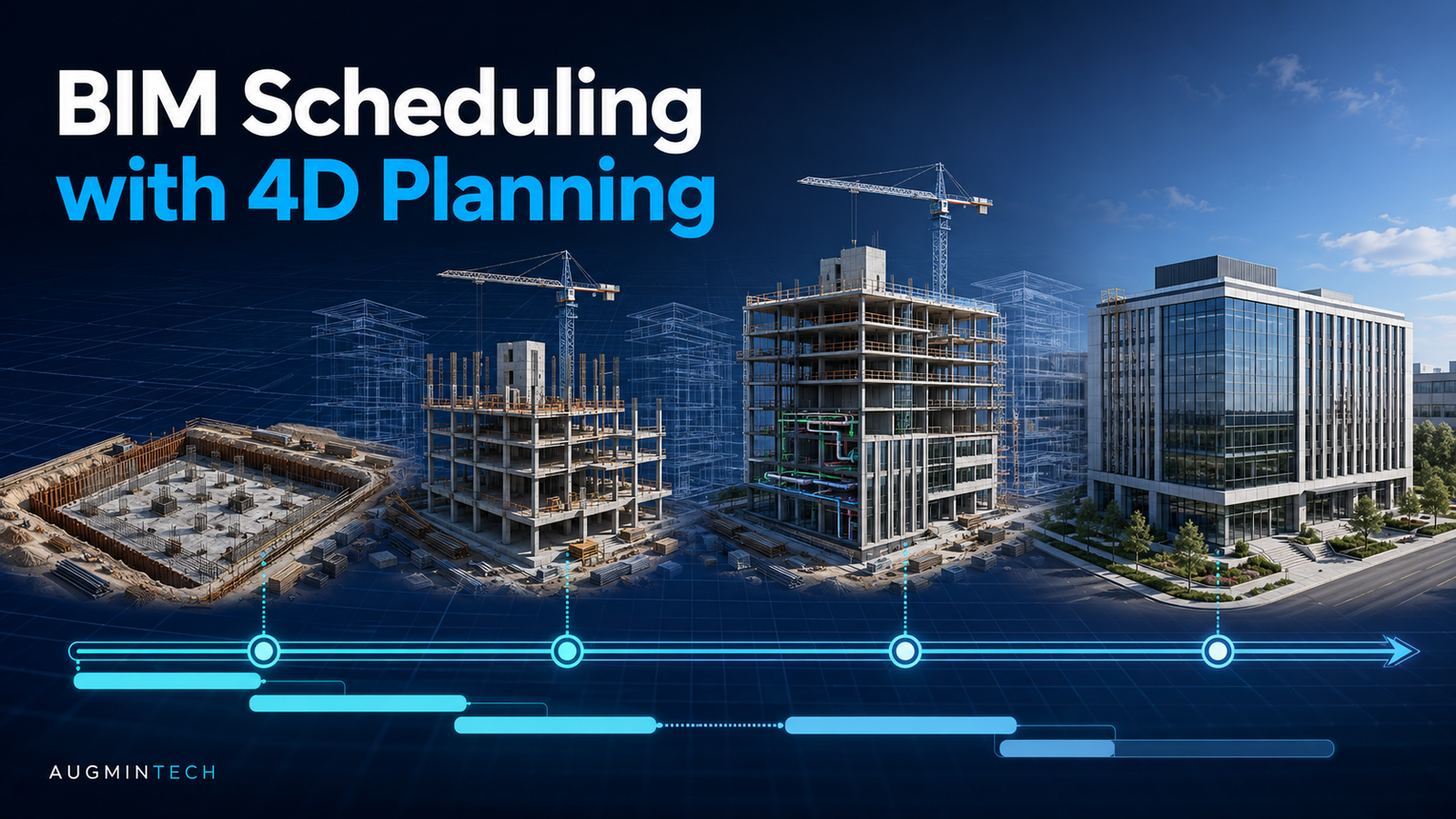
What Is BIM Scheduling? A Complete Guide to 4D BIM (2026) May 27, 2026 12:10 pm Augmintech A Gantt chart tells you a task starts in week 14. It cannot tell you that the task needs the same crane zone as another one running that week, or that the access
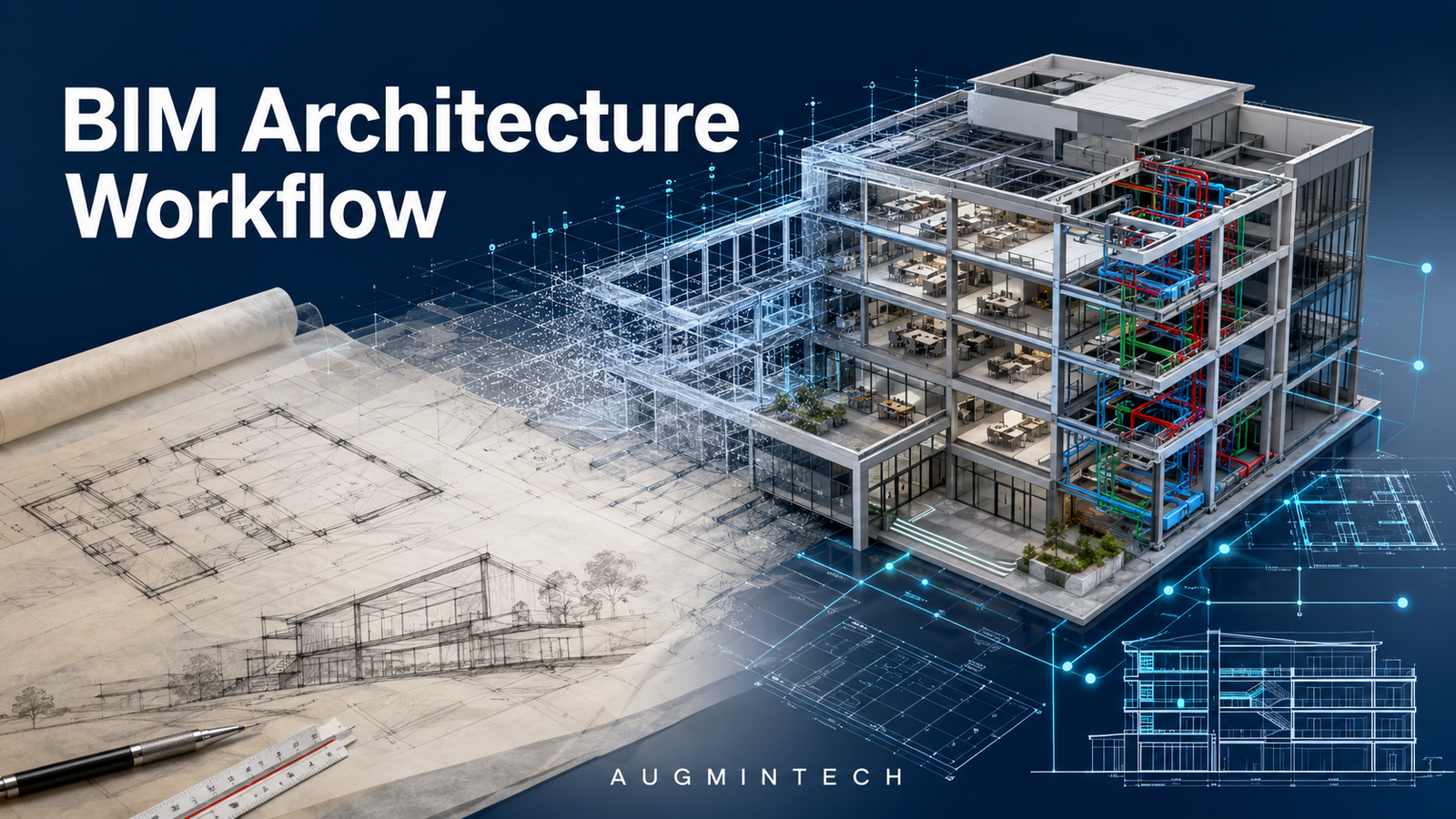
BIM in Architecture: From Tracing Sheets to Intelligent Models (2026) May 21, 2026 11:21 pm Augmintech Facebook LinkedIn WhatsApp BIM in Architecture: From Tracing Sheets to Intelligent Models Architecture has always been about creating space. The tools have changed from pencil and tracing paper to 2D CAD to BIM —
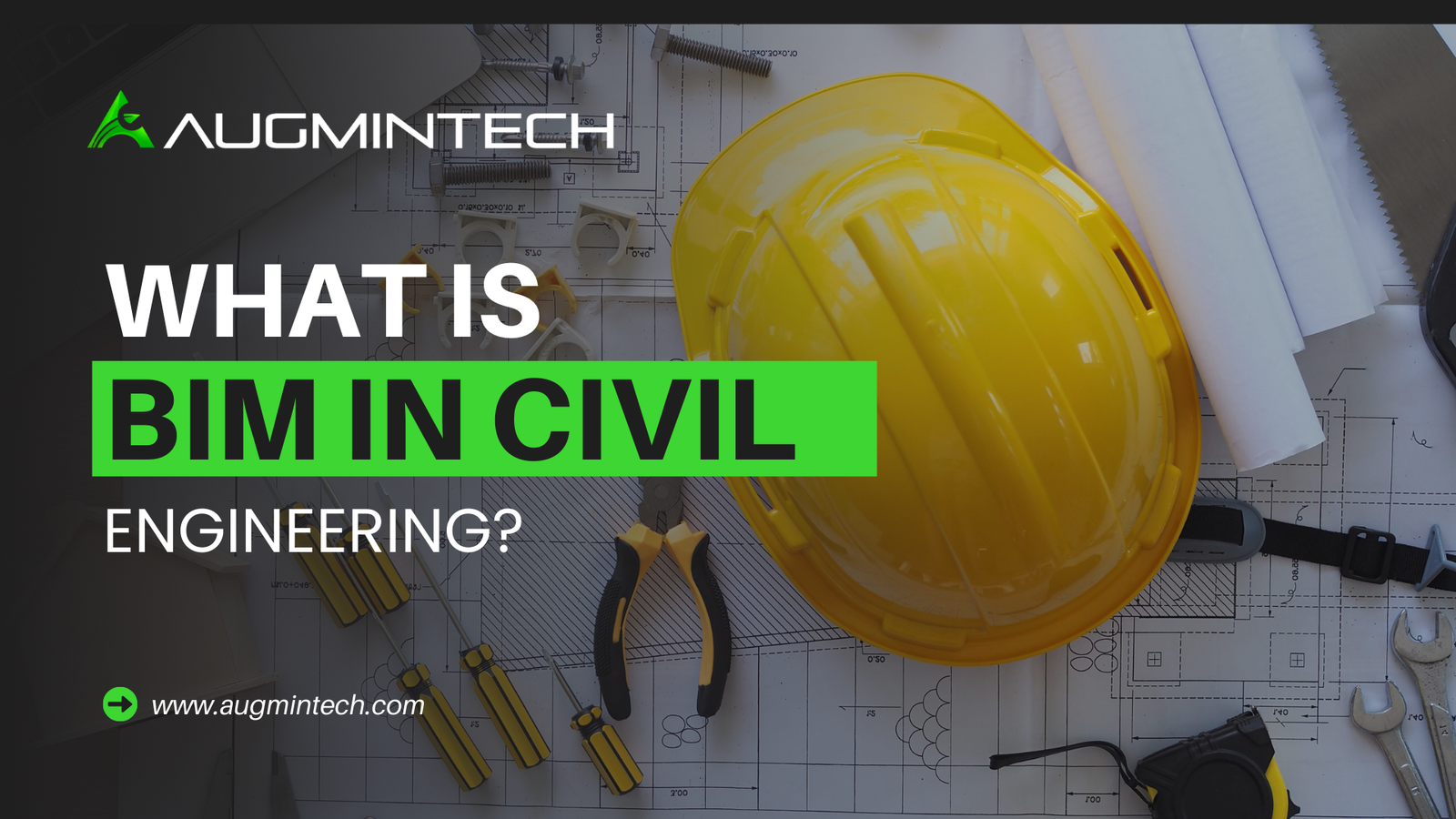
How Building Information Modeling (BIM) is revolutionizing civil engineering! From roads and bridges to tunnels and smart cities, BIM enables engineers to plan, simulate, and manage projects with 3D accuracy, real-time collaboration, and cost-efficient workflows. Whether you’re a student or professional, this beginner-friendly guide explains what BIM is, how it’s used in civil projects, and why it’s a must-have skill in 2025. Start learning BIM today and future-proof your career!