Yes, if it runs 64-bit Windows 11 and has at least 16 GB of RAM. That is Autodesk's minimum for Revit 2027 and is enough for learning on course-sized models. Real project work is far more comfortable on 32 GB, and large federated models call for 64 GB.
Most people asking whether their laptop can run Revit MEP are about to start a course and do not want to buy a new machine for it. This guide gives Autodesk's official Revit system requirements, shows you how to read your own laptop's specs in two minutes, and tells you honestly whether it is ready for learning, for project work, or neither.
A laptop, external monitor and mouse arranged for BIM learning and project work. Illustrative workstation, not a Revit interface capture.
TL;DR
- Revit runs on 64-bit Windows 11 only; there is no macOS version.
- 16 GB RAM is Autodesk's minimum and is fine for learning; 32 GB is the practical target for project work.
- Graphics need DirectX 11 with Shader Model 5, with 4 GB of video memory recommended at entry level.
- Autodesk asks for the highest single-core base clock you can get, from 2 GHz upward.
- Allow 30 GB to install, plus generous free space on an SSD for temporary files.
- On a Mac, Revit runs only inside Windows 11 under Parallels Desktop, with reduced graphics features.
- Hardware is only the first of three readiness checks; software access and prerequisite skills matter as much.
Revit System Requirements (Revit 2027)
Autodesk publishes three configurations for Revit 2027. Revit MEP is not a separate product any more; the MEP tools are part of Revit, so these figures apply to MEP work too.
| Component | Minimum (entry level) | Value (balanced) | Performance (large models) |
|---|---|---|---|
| Operating system | 64-bit Windows 11 | 64-bit Windows 11 | 64-bit Windows 11 |
| Processor | Intel or AMD, 2 GHz or higher | Highest single-core base clock affordable | Highest single-core base clock affordable |
| Memory (RAM) | 16 GB | 32 GB | 64 GB |
| Graphics | DirectX 11, Shader Model 5; 4 GB VRAM recommended | DirectX 11, Shader Model 5; 6 GB VRAM | DirectX 11, Shader Model 5; 8 GB VRAM |
| Display | 1280 x 1024 | 1680 x 1050 | 1920 x 1200 |
| Disk space | 30 GB to install; Autodesk also advises keeping around 100 GB free for temporary files | ||
| Internet | Needed for licence sign-in and cloud worksharing | ||
| Source: Autodesk, System requirements for Revit 2027 products. Figures change with updates; check the official page before buying hardware. | |||
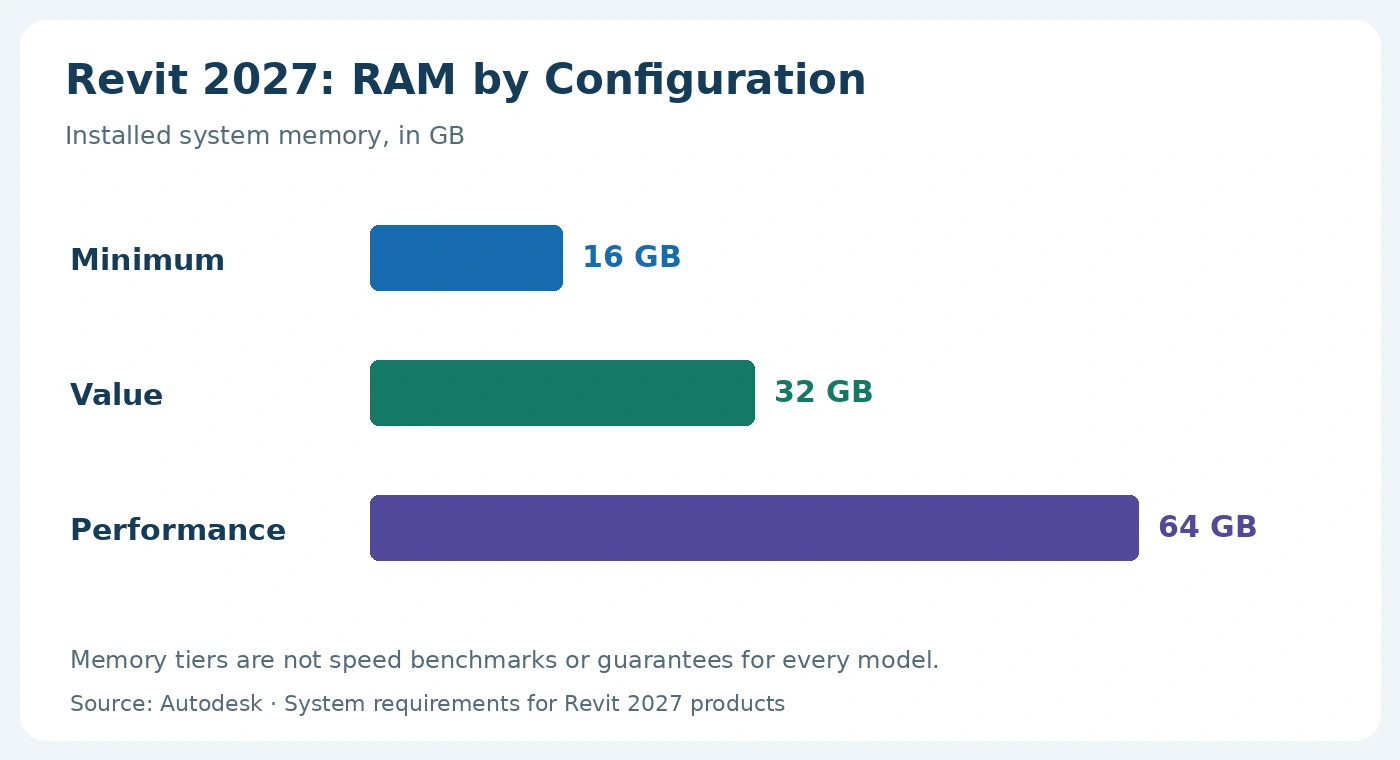
Autodesk’s RAM configurations for Revit 2027. Actual memory needs vary with model content and other running applications. Source: Autodesk.
How to Check Your Laptop's Specs in Two Minutes
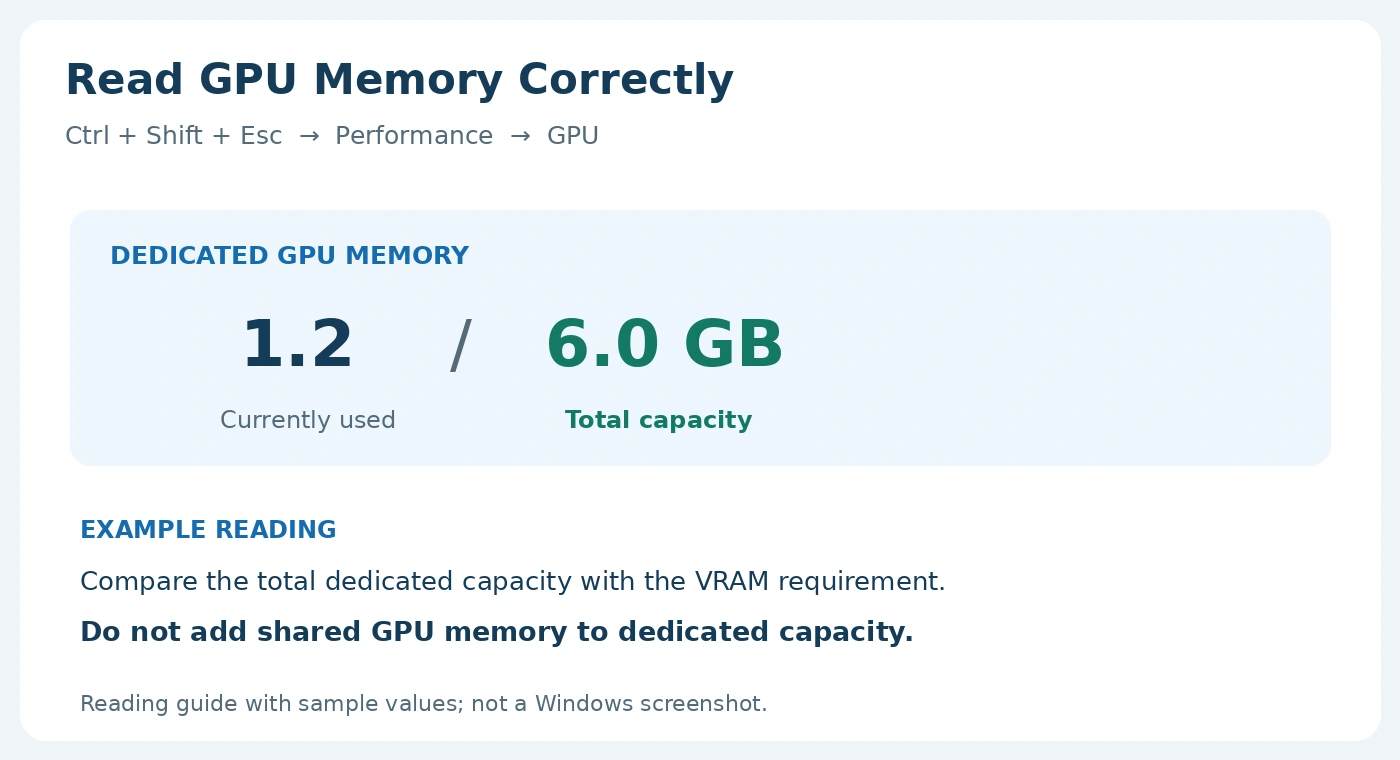
Figure 1: Read the total dedicated GPU-memory capacity, not current usage or shared memory. Sample-value guide, not a Windows screenshot.
Hardware Checklist: Is Your Laptop Ready?
Enter what you found above. The checker compares it with Autodesk's three tiers and tells you what your laptop is ready for.
What Matters Most in a Laptop for Revit MEP
If you are buying or upgrading, spend in this order:
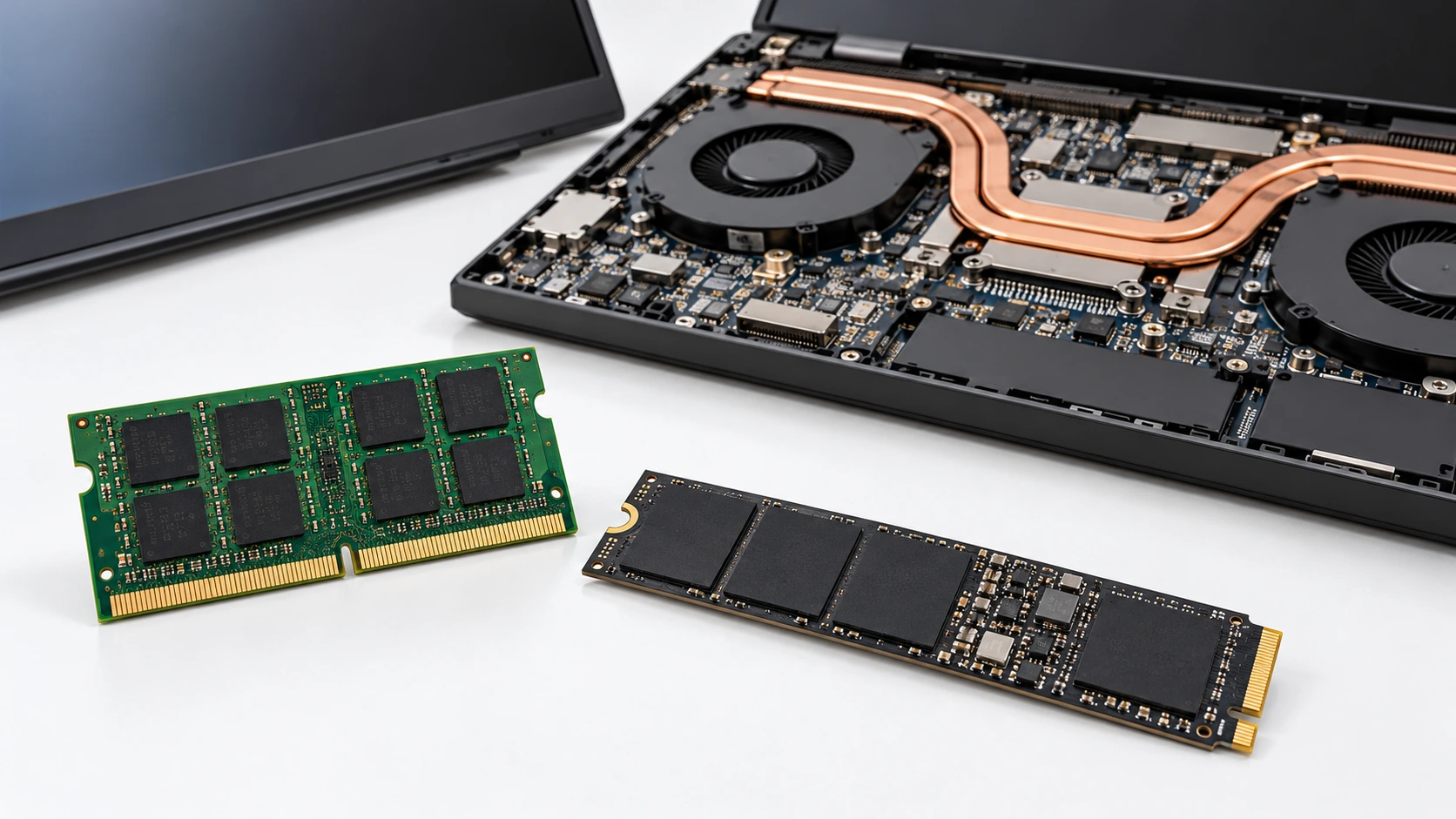
Illustrative laptop hardware: RAM and SSD in the foreground, with the cooling assembly behind. Check your model’s service documentation for upgrade options.
Windows 10 machines: Revit 2027 lists Windows 11 only, and Microsoft ended support for Windows 10 on 14 October 2025. Upgrade the operating system before you install.
Power settings: laptops on battery often throttle the processor and switch to integrated graphics. Plug in and select a high-performance power mode when you model.
Can You Run Revit MEP on a Mac?
Not natively. Autodesk does not make a macOS version of Revit. The supported route on Apple computers is Windows 11 running inside Parallels Desktop for Mac, with Revit installed in that Windows virtual machine. Autodesk notes that Revit's accelerated graphics are not supported in Parallels or other virtualisation software, so expect slower 3D views than on a comparable Windows laptop. It is workable for learning; for daily project work, a Windows machine is the simpler choice.
Course Readiness Guide: Three Checks Before You Enrol
A capable laptop is necessary but not sufficient. Before a Revit MEP course, check all three:
- Eligible students and educators: free one-year access through the Autodesk Education plan.
- Everyone else: Autodesk's free trial or a subscription.
- Basic Windows file handling and comfort with a 3-button mouse.
- An idea of what ducts, pipes, diffusers and electrical circuits do in a building.
- Ideally, some exposure to reading 2D drawings in AutoCAD.
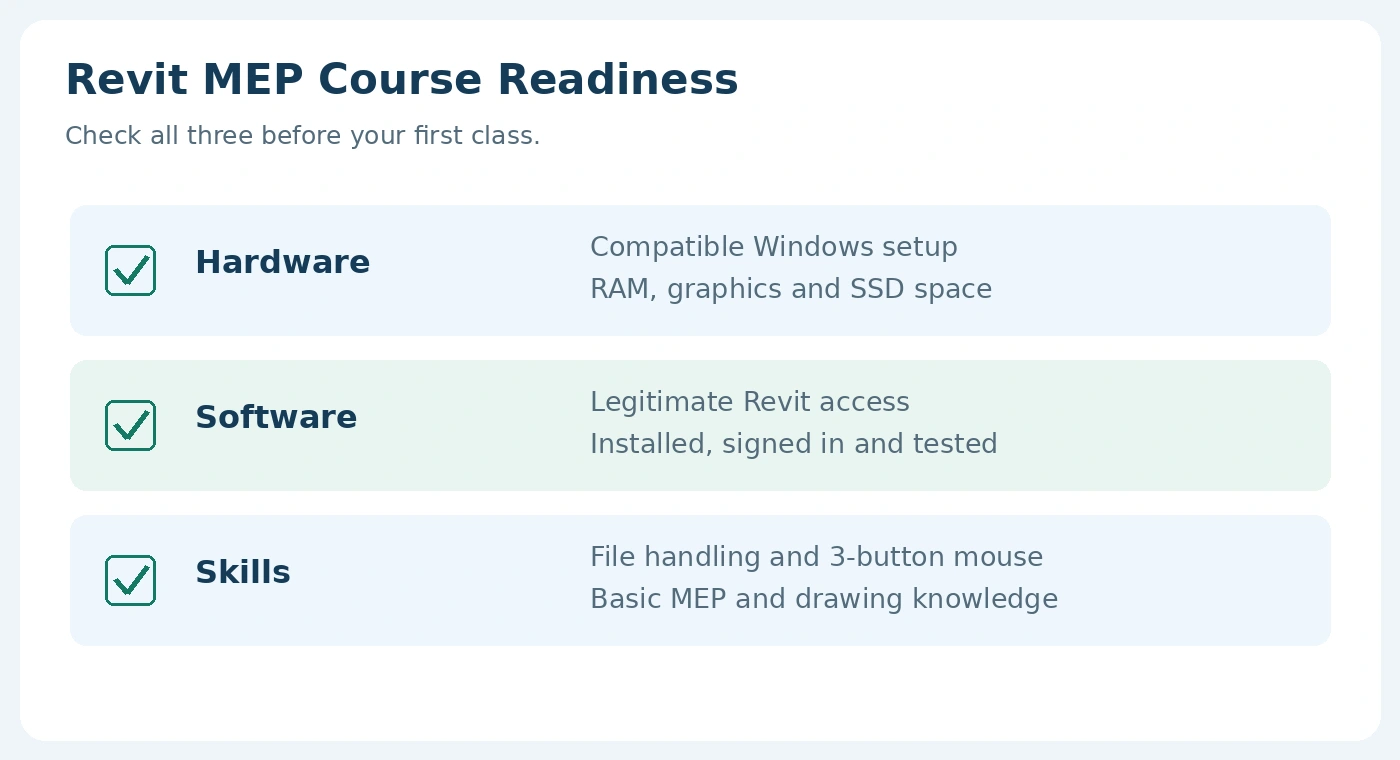
Figure 2: Three readiness checks: compatible hardware, legitimate software access and basic MEP and computer skills.
Frequently Asked Questions
Can I run Revit on 8 GB RAM?
Is 16 GB RAM enough for Revit MEP?
Do I need a dedicated graphics card for Revit?
Does Revit work on a Mac?
Is Revit free for students?
What matters more for Revit, CPU cores or clock speed?
Sources
- Autodesk: System requirements for Revit 2027 products, autodesk.com, for the Minimum, Value and Performance tiers and the Parallels Desktop for Mac guidance.
- Autodesk Education: software overview, autodesk.com, for free one-year Education access.
- Microsoft: Windows 10 end of support (14 October 2025), for the Windows 10 note.
This article was last reviewed on 17 October 2026.
